> For the complete documentation index, see [llms.txt](https://engyon.gitbook.io/engyon/llms.txt). Markdown versions of documentation pages are available by appending `.md` to page URLs; this page is available as [Markdown](https://engyon.gitbook.io/engyon/en/reference/sources.md).
# Sources
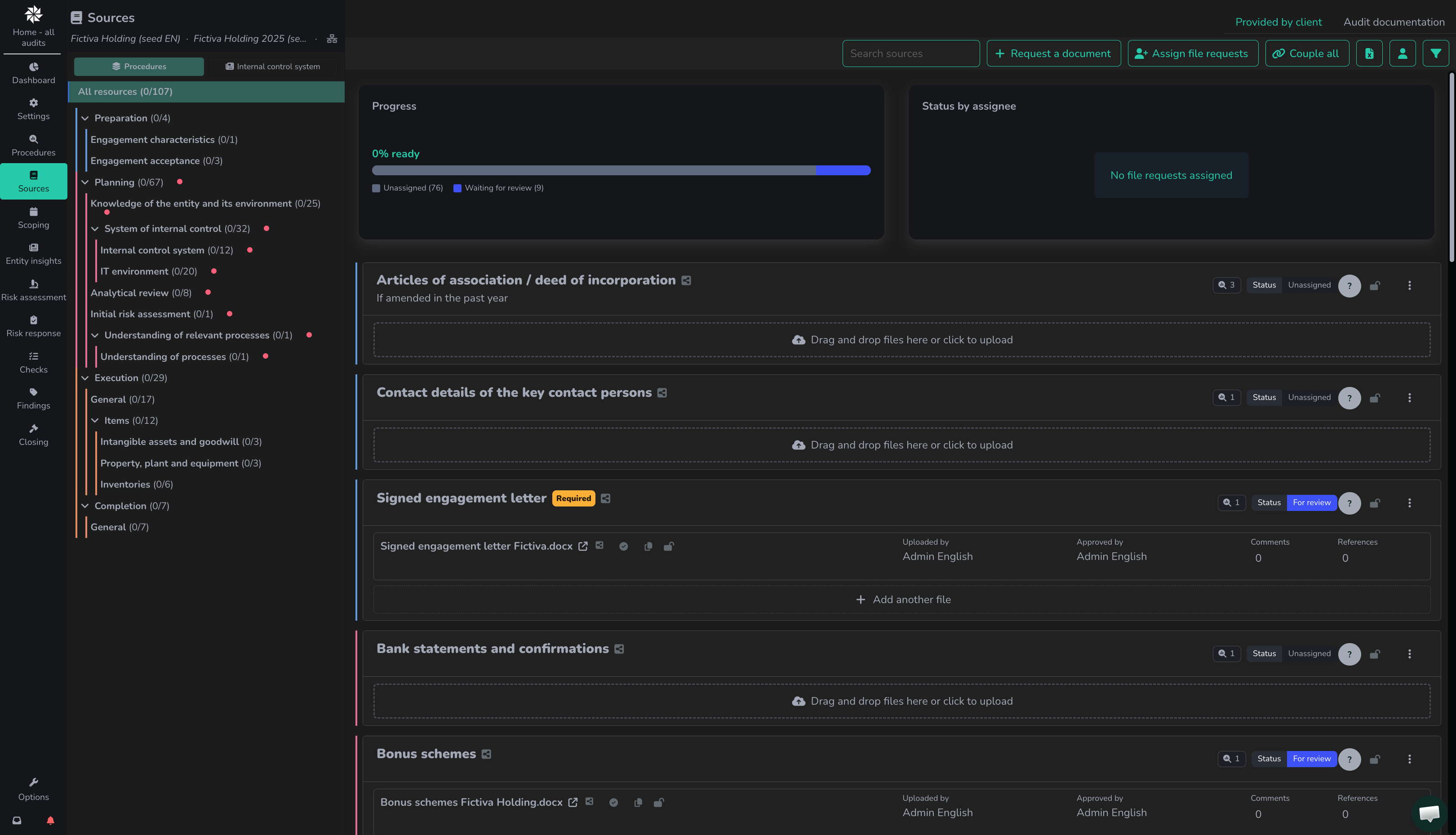
On this screen, users can manage file requests to the client and find submitted sources and audit documentation.
### Basics: Source overview and file requests to the client
The sources screen contains an overview of all requested documents and questionnaires ('prepared by client' requests). For each requested document, it is possible to add a document.
Engyon has two types of documents:
* Provided by client are sources linked to a file request for a client, which have likely been provided by a client. Therefore, you cannot edit these.
* Audit Documents are sources that have been dragged directly into an activity by a team member to support an explanation. You can edit these.
Documents are sent to the client via a request. In the initial audit setup, a standard list of documents is prepared. As an auditor, you adjust this list and send the requests to the client at the right time.