> For the complete documentation index, see [llms.txt](https://engyon.gitbook.io/engyon/llms.txt). Markdown versions of documentation pages are available by appending `.md` to page URLs; this page is available as [Markdown](https://engyon.gitbook.io/engyon/en/reference/dashboard.md).
# Dashboard
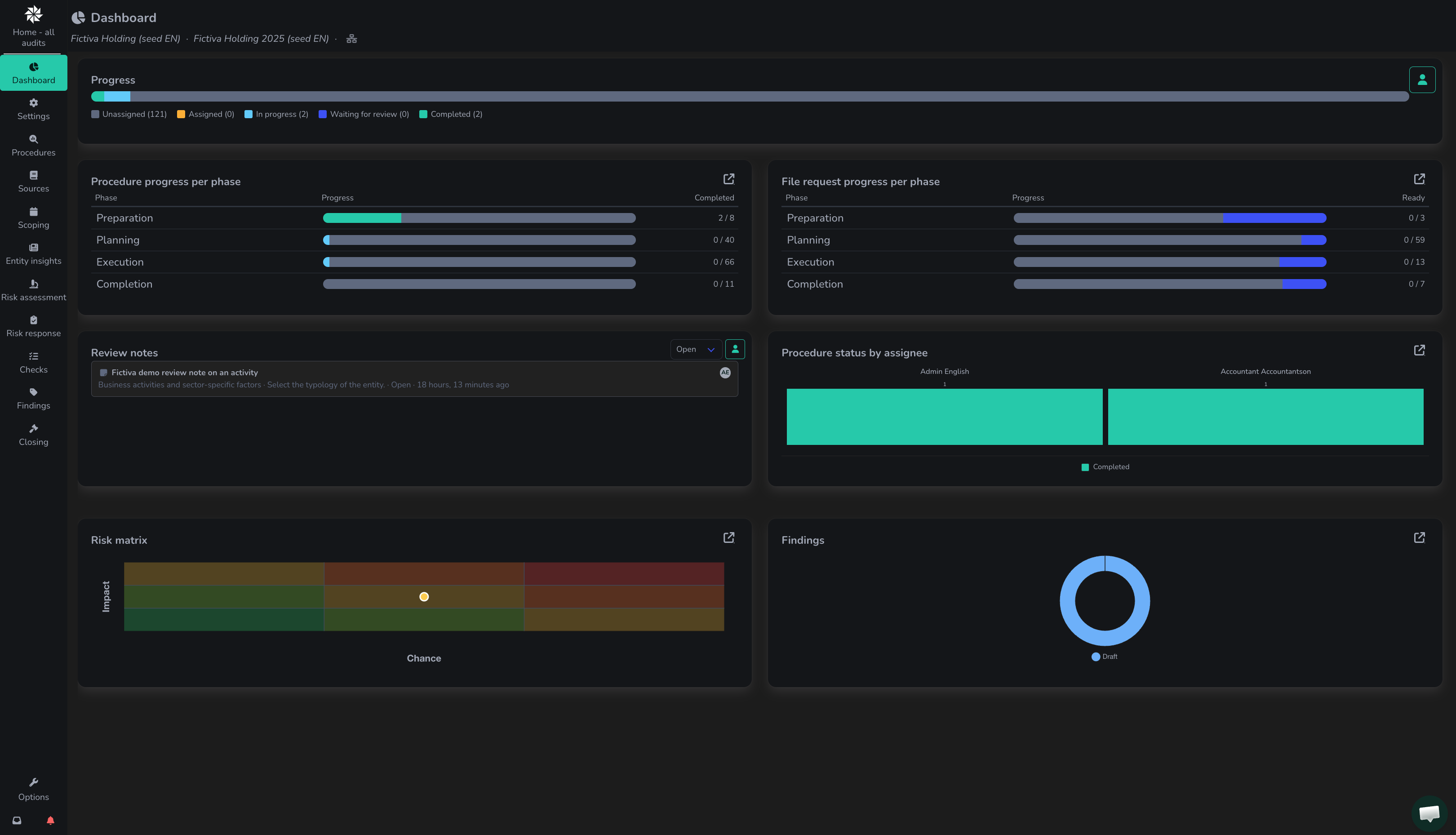
On this screen, users can follow the progress of the audit and see which procedures have been assigned to team members. The audit dashboard shows the progress of the audit. If you assign the steps to team members in Procedures, you can follow who is assigned to which procedures and what progress has been made on the procedures.
Filter the Dashboard in the top right by clicking the icon (user) :user:(filter by assigned user). This allows you to see procedures to which you are specifically assigned, that are in progress, or are waiting for review.
Click on your assigned procedure within Dashboard.
{% hint style="info" %}
If you want to filter for a person in the audit team, you can use the standard filter by clicking the icon (user) :user:in the top right corner of the screen.
{% endhint %}