> For the complete documentation index, see [llms.txt](https://engyon.gitbook.io/engyon/llms.txt). Markdown versions of documentation pages are available by appending `.md` to page URLs; this page is available as [Markdown](https://engyon.gitbook.io/engyon/en/reference/checks.md).
# Checks
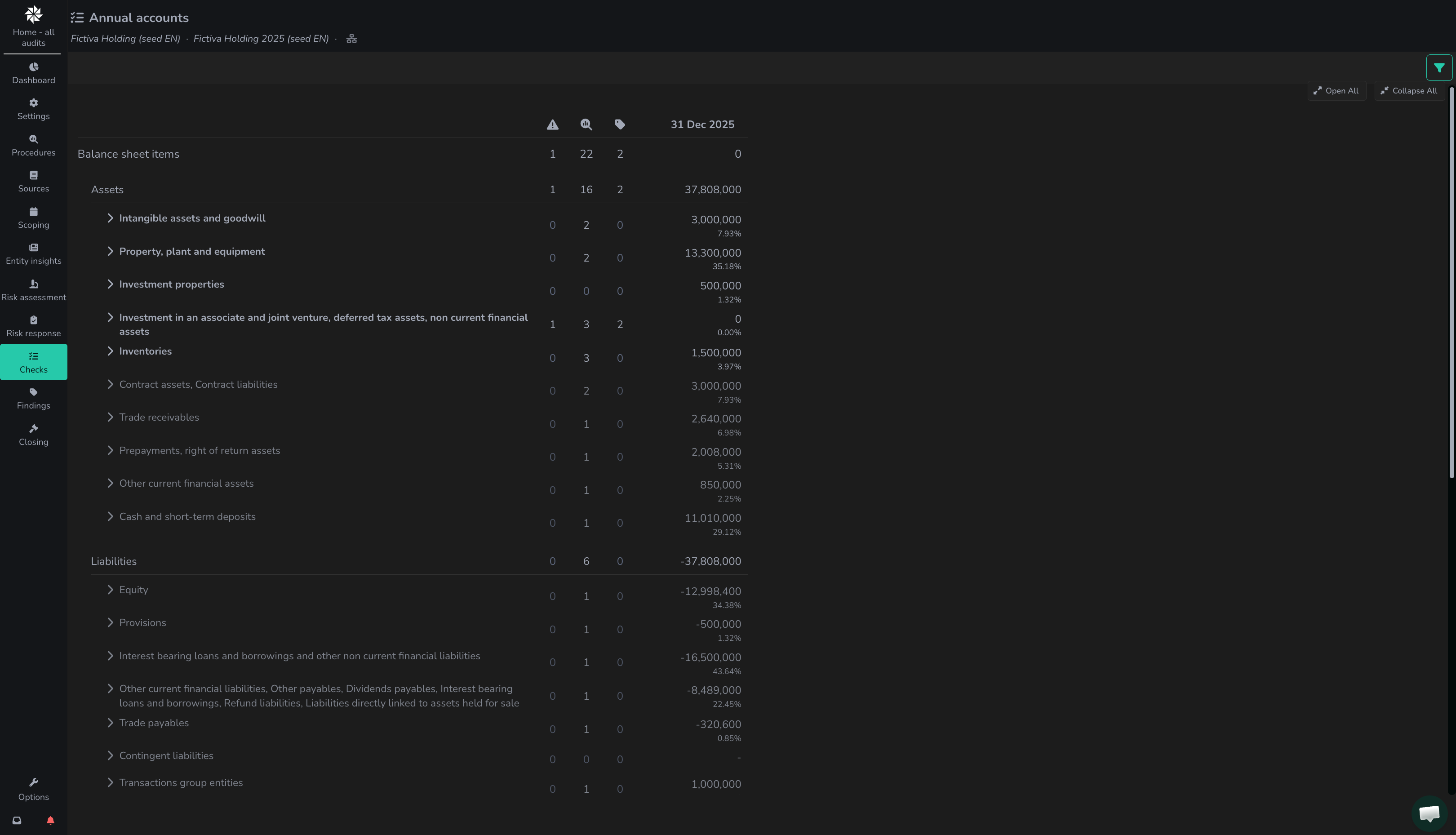
On this screen, users can view the ingested figures and linked risks, procedures and findings per financial statement line item.
The checks screen shows an overview of all line items and the status of the numbers as they are known at different points in time.
Within create client organisation you can ingest the trial balance. These then become visible within the overview. Only line items that are within [Typing](/engyon/en/reference/materiality-and-scope.md) are clickable. This can be seen because these texts are in bold.
Within the Checks overview you can see per line item how many Risks :warning:, Procedures :mag: and Findings :label: there are.
### Checks detail page
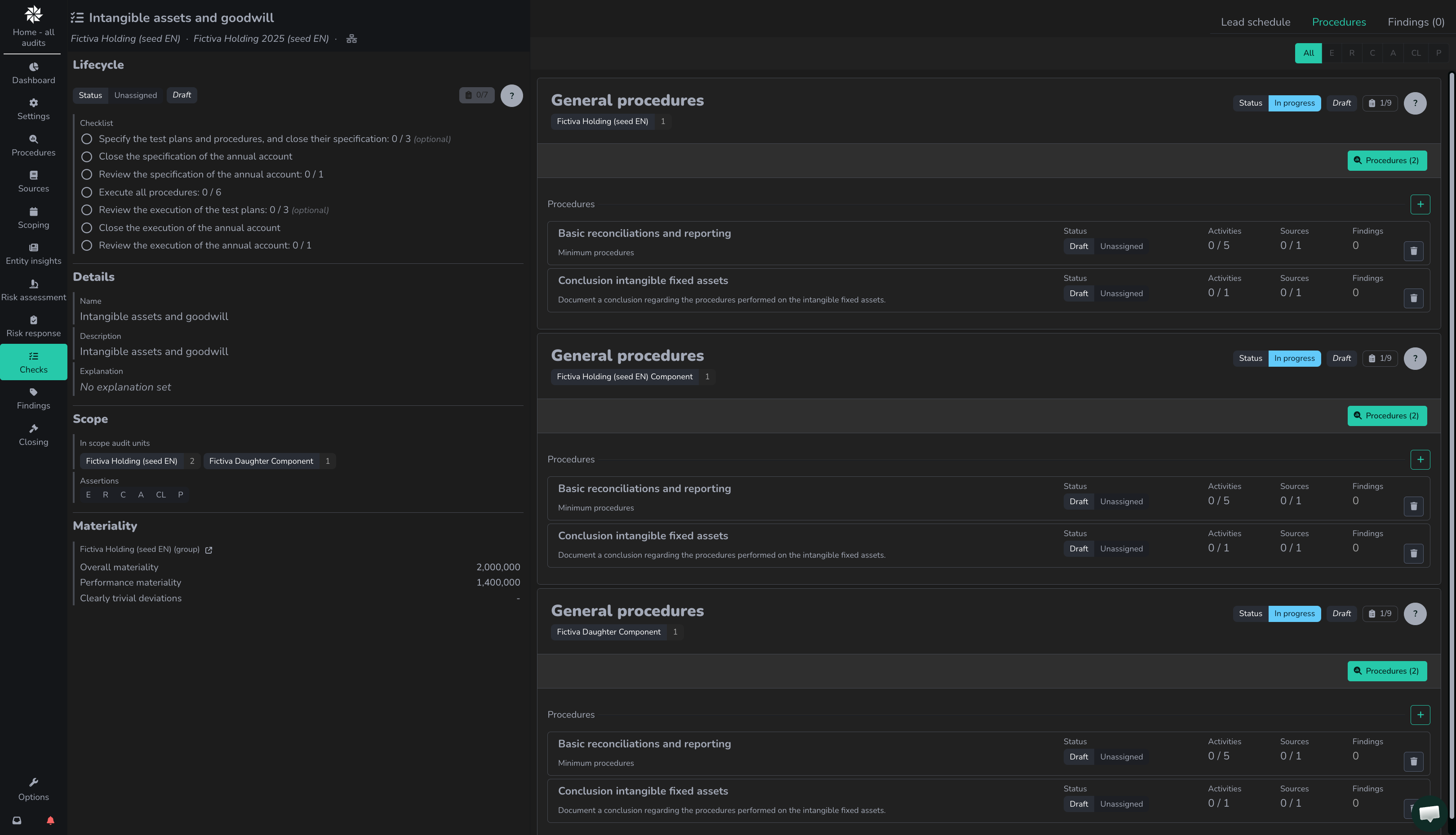
If you click through per line item, you arrive at the checks detail page. Details that can be edited can be found on the left, similar to other pages. On the right side, tabs can be found:
* `lead schedule`. The link from general ledger account to the line item. A lead schedule is present per line item, accessible via:
1. Open the relevant line item in the procedures menu in the 'execution' section. Click on the 'go to' icon to open the [test plan of the line item](/engyon/en/reference/checks/test-plan-per-line-item.md#test-plan) to open. Then click on lead schedule in the top right.
2. Click on the line item in Checks or Risk Progress. Click on lead schedule in the top right.
3. References to lead schedules are also included in the 'context-specific data' of the work steps (bottom left of a work step).
* Procedures. All procedures that have been added from risks are shown here, but it is also possible to add extra procedures here.